The Hidden Cost of Blurry Images: Why Bad Visuals Hurt Your Wallet
Imagine working hard to build a new business or launch a fresh product. You spend days writing a great business plan to show to bank managers or future partners. But when they open your pitch deck, the product pictures look blurry, pixelated, and cheap.
Instantly, their trust drops, and they start doubting your professionalism. This is the sad reality for many small business owners today. High-quality cameras cost thousands of dollars, and hiring a professional photographer is even more expensive.
Many people feel trapped between spending money they do not have or presenting low-quality work. This struggle often leads to poor sales and rejected financial applications.
When trying to solve this issue, people face major roadblocks:
- Misleading Online Converters: Most search results point to useless websites that just add fake pixels to your images.
- Hidden Paywalls: You spend ten minutes uploading your files, only to find out you must pay to download the final result.
- Complex Software: Professional tools often require high-end computers and hours of training to learn.
- Wasted Time: Small business owners spend days trying to fix these pictures manually, taking time away from actual business growth.
This constant struggle can destroy your inner peace and commercial confidence. Here is how these visual issues impact your mental state:
- Constant Self-Doubt: You feel embarrassed to share your website link with high-value clients or bank loan officers.
- Fear of Rejection: You worry that lenders will see your blurry graphics and think your business is a high-risk venture.
- Financial Stress: You might feel forced to get a high-interest loan just to buy premium design gear, creating unnecessary debt.
Let us look at a real-life example to understand this better. Think of a local bakery owner named Sarah who wants to expand her kitchen. She needs extra money to buy a commercial oven, so she decides to apply for a small business loan.
To prove her bakery is profitable, she must create a professional website and a solid pitch deck. If her website has blurry images of her cakes, the loan officer might think her brand is not premium.
Sarah cannot afford a professional photographer because all her cash is tied up in raw materials. If she borrows money just for a photoshoot, she increases her overhead costs significantly.
According to financial expert articles on Forbes, keeping your initial business costs low is one of the safest ways to stay profitable. By finding a cheap way to fix her photos, Sarah can save money and look professional. This is exactly where smart, free technology can save your budget and your business image.

Transforming Your Visuals: A Simple Path to High Resolution
Now, let us explore how you can solve this problem without spending a single dollar. You do not need to be a tech genius to turn low-quality photos into high-definition assets.
By using modern artificial intelligence, you can upgrade your graphics instantly. Here are the first three practical steps to help you get started today.
Step 1: Selecting the Ideal Free AI Tool for Your Business
The first step is finding the right platform that does not charge hidden fees. Many free tools can give you professional results if you know where to look.
You do not need to buy expensive software or complex suites to get clean images. Instead, you can look for platforms that offer high-quality upscaling for free.
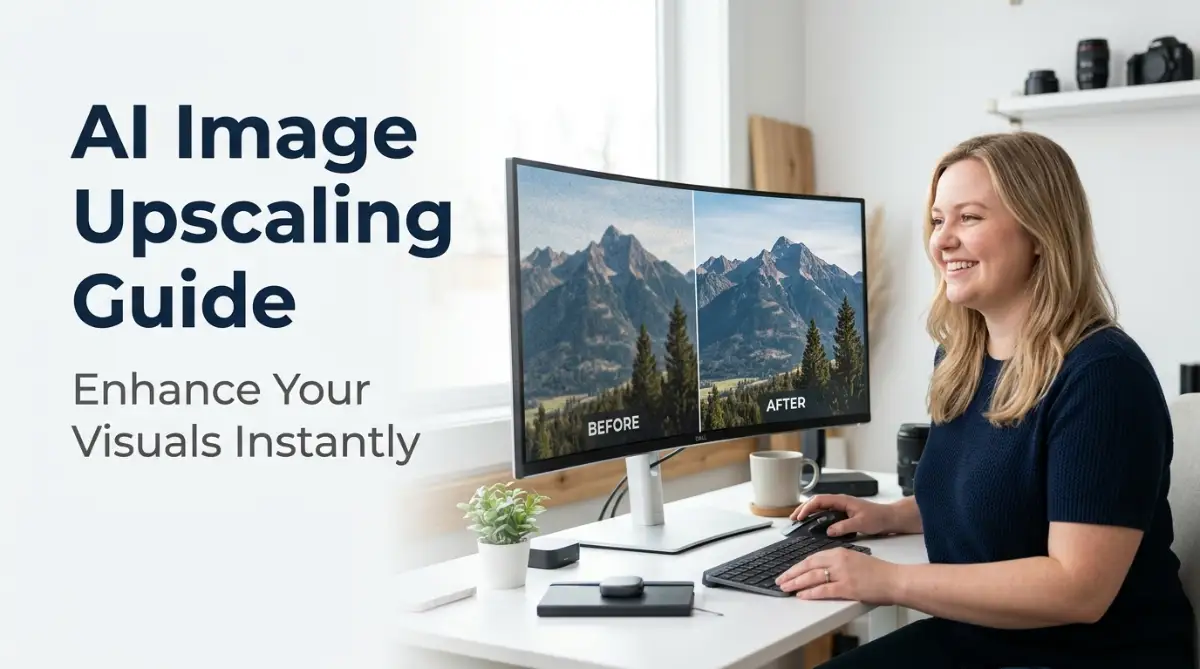
For a complete list of great options, you can check out these top free AI tools that save hours of work to find the best fit for your projects. These tools use smart algorithms to guess what the missing details should look like.
They do not just stretch the pixels; they actually draw new, clear details onto your old photos. This keeps your visual presentation sharp and saves your business from spending unnecessary money.
Step 2: Preparing Your Original Low-Res Image
Before uploading your photo to any tool, you need to prepare it properly. Starting with a completely ruined or tiny icon will make the process much harder.
Try to find the largest version of your low-resolution photo first. Clean up any obvious dark spots or heavy shadows using a basic phone editor.
This simple preparation gives the software a clearer base to work with, resulting in a much cleaner final product. If the base photo has huge blur spots, the software might get confused and create strange shapes.
Let us use an analogy to make this easy to understand. Think of the AI tool as a highly skilled painter.
If you give the painter a completely blank canvas with only two dots, they will have to guess the entire picture. But if you give them a light sketch, they can paint a gorgeous, highly accurate masterpiece.
Step 3: Choosing the Right Upscaling Model
Once your photo is uploaded, most free tools will ask you to select an upscaling model. You will usually see options like "2x", "4x", or "8x" upscaling, along with options for "Text" or "Art".
For product photos or real-world images, always select the "Photo" or "Realistic" model. This setting ensures the software preserves skin textures, natural lighting, and fabric details.
If you are upscaling a logo, select the "Graphic" or "Vector" model to keep the lines sharp and clean.
Avoid choosing "8x" right away, as this can sometimes make the image look artificial or plastic. Start with "4x" to maintain a highly natural look that bank managers and customers will appreciate.
Advanced Strategies to Maintain Visual Quality and Business Appeal
Now that you know the basic steps, let us look at some expert techniques to get even better results. If you want your business to look highly professional, you must learn how to handle difficult photos.
These advanced strategies will help you keep your images looking natural and clean for the long term.
Step 4: Removing Digital Noise Before You Upscale
One of the biggest issues with low-resolution photos is digital noise. Noise is the grain or pixelated dots you see in dark areas of a photo.
If you upscale a noisy photo, the tool will actually make those ugly dots bigger and sharper. To avoid this, use a free online denoiser tool before you start the upscaling process.
This step removes the grain while keeping the main shapes intact. Once the image is clean and smooth, you can run it through your selected upscaler.
This two-step method creates a beautiful, smooth finish that looks like it was shot on a high-end camera. Your customers will never guess that the image started as a blurry phone photo.
Step 5: Matching Visual Standards with Your Financial Plan
Having great visuals is not just about aesthetics; it is a smart financial strategy. When your business website looks professional, you build immediate trust with banks and financial institutions.
If you need capital to expand, having a clean, professional online presence makes it much easier to get approved for loans. You will not have to worry about putting up your personal home or car as collateral because your business looks highly credible.
To understand how this helps your borrowing power, you can read about how to borrow with confidence - the ultimate guide to unsecured bank loans to see how trust affects loan terms.
When you present a polished brand, banks are much more willing to offer you friendly rates. This approach keeps your personal assets safe while giving you the funds you need to scale up.
If you are looking for ways to grow without risking your personal property, you should learn how to borrow money without collateral - the ultimate expert strategy for small businesses. By saving money on expensive photographers and using free design tools, you keep your cash flow positive.
A positive cash flow is the main thing lenders look for when reviewing loan applications. They want to see that you make smart, low-cost decisions to keep your overhead expenses down.
Using free technology is a perfect example of a smart business decision that protects your wallet. For those who want premium business growth options, check out this guide on VIP access - bank loans without pledges to secure funding easily.
Five Common Blunders to Avoid When Upscaling Photos
Even with smart software, it is easy to make mistakes that can ruin your images. Let us look at five common errors that can make your photos look strange or unprofessional.
- Over-Sharpening the Details: Adding too much sharpness can make people and objects look like cartoons. Keep the settings moderate to protect the natural texture of your products.
- Ignoring the Original Aspect Ratio: Stretching a square photo into a wide rectangle will make your products look distorted and flat. Always maintain the original proportions to keep the visuals realistic.
- Using Tiny Thumbnails: Trying to upscale a tiny 50x50 pixel icon into a giant poster will rarely work well. Always start with the largest version of the file you can find on your devices.
- Forgetting to Check the Lighting: AI cannot fix completely dark photos where the main subject is invisible. Ensure your base image has decent light before processing it.
- Skipping the Final Human Review: Never upload upscaled images directly to your commercial website without checking them carefully. Zoom in on faces and text to make sure there are no strange visual glitches.
If you make these mistakes, it can hurt your professional reputation. Lenders and clients might think you do not pay attention to small details, which could damage your business credibility.
Your Path to High-Quality Visuals and Financial Freedom
Improving your business graphics does not have to be a costly or stressful experience. By using free upscaling tools, you can turn low-quality photos into beautiful assets that build instant brand trust.
This smart strategy allows you to save your cash for actual business operations rather than expensive camera gear.
Start looking through your business files today and find three low-resolution photos that need an upgrade. Run them through a free tool and watch how quickly your business image changes for the better. Your brand deserves to look professional, and you now have the tools to make it happen without going into debt.